Grab clean MP4 recordings straight from your desktop without signing up or dealing with overlays. Control everything from a hotkey—full screen, single window, or custom region, with both mic and system audio baked into one file.
Most screen recorders either clutter your output with watermarks, demand a login, or bury settings so deep you spend more time fiddling than recording.
Press your configured key and recording starts instantly. No window-switching, no toolbar hunting. The app stays quiet in the background until you need it. Stop or pause the same way—complete control without leaving your work.
Everything you record saves to your Videos folder right away. No cloud upload, no sign-in, no account to manage. Your clips belong to you and never leave your machine.
Extract and run from anywhere—desktop, USB stick, or a work folder. No background services, no scattered system files, no bloat. Just the app and your recordings.
Screen Record Apps is open-source and runs on the stable Captura engine. You get reliability without surprise updates or features you don't ask for.

Every recording comes out clean and ready to use. Whether you're capturing a tutorial, a bug report, or a presentation, the app handles screen, audio, and optional webcam overlay without any extra steps.
Installation and first recording take less than a minute.
Correct. Your MP4 and GIF files come out unmarked. There's no paid tier that removes it—there's just no watermark to begin with.
No. Launch the app and start recording. There's no cloud, no login, and no profile to manage.
SmartScreen may flag new builds as unknown. Click 'More info' then 'Run anyway.' The app is open-source and safe to run.
Yes. You can add a webcam bubble as a picture-in-picture overlay on top of your screen recording.
The download is small. Recording file size depends on resolution and length, but MP4 compression keeps clips reasonably sized.
Yes. Screen Record Apps runs on Windows 10 64-bit and Windows 11. Both need .NET Framework 4.7.2, which comes built in.
Yes. Running it from your user folder is enough for screen and audio capture. No elevated permissions required.
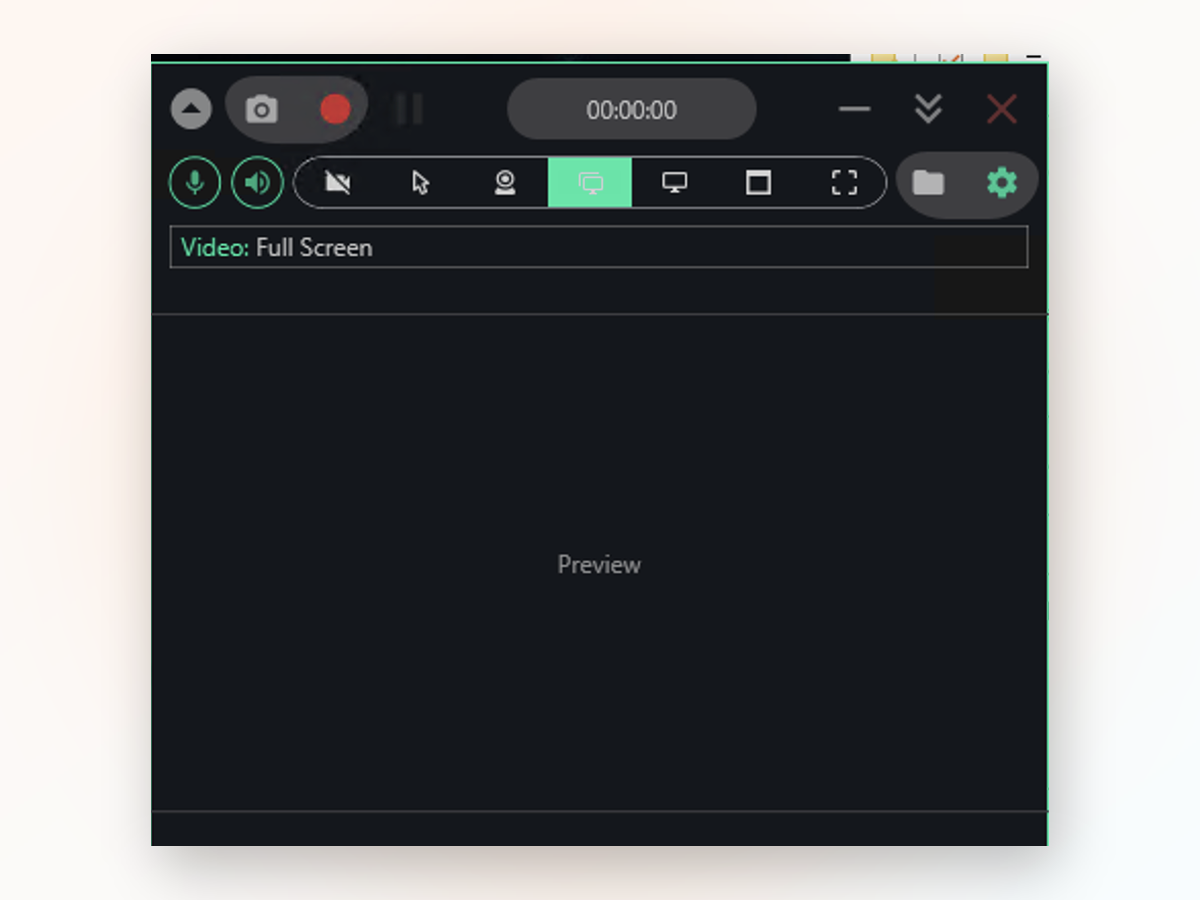
Windows Game Bar and online tools have limits. Here's where Screen Record Apps fills the gaps.
Download the app, extract it, and record your first clip in under a minute—no sign-up, no watermark, no hidden cost.
Download for Windows